
Reliable Remote Server Backup Services for Your Business with WebJi®
With WebJi®, your business can count on dependable remote server backup services tailored to your needs. Our solutions guarantee that your critical data is safeguarded and quickly recoverable when you need it most.

The Importance of Remote Server Backup
Keeping data safe is super important for any business. Remote server backup helps companies get back on their feet when they lose important data unexpectedly. This method secures critical information from problems like hardware failures, cyberattacks, and even natural disasters.
The risks of losing data can be really serious. Companies might face big money losses, hurt to their reputation, and problems keeping things running smoothly. Knowing how bad these risks can be helps show why effective data protection, like remote backups, is necessary.
Understanding Data Loss Risks and the Impact on Operations
Data loss can happen for a lot of reasons, like malware attacks, accidental deletions, or hardware not working right. Each time this occurs, it can stop the company’s work, slow down progress, and lead to serious issues. If businesses don’t have proper recovery options, they may experience long downtime, lose customer trust, and could even face legal trouble.
It’s super important for businesses to talk about these risks clearly and make data protection a priority. A strong disaster recovery plan that includes remote backup solutions can lessen the chance of facing these problems.
Backup Frequency and Retention Policies
Effective data backup strategies involve determining the right backup frequency and retention policies to meet business needs and regulatory requirements. Two common types of backups—full backups and incremental backups—each have distinct schedules and retention durations.
Full Backups
Full backups are typically performed on a weekly or monthly basis, depending on the volume of data and business needs. This backup type involves saving an entire copy of all data, ensuring a complete data set is available for recovery. Retention durations for full backups generally range from 1 to 6 months, allowing businesses to maintain historical data while optimizing storage space.
Incremental Backups
Incremental backups capture only the changes made since the last backup, making them more efficient in terms of time and storage. These backups are often performed daily or in real-time, ensuring data is continuously protected without overwhelming system resources. Retention durations for incremental backups typically range from 3 to 12 months, with the timeline adjusted based on the importance of the data being protected.
Types of Remote Server Backup Solutions
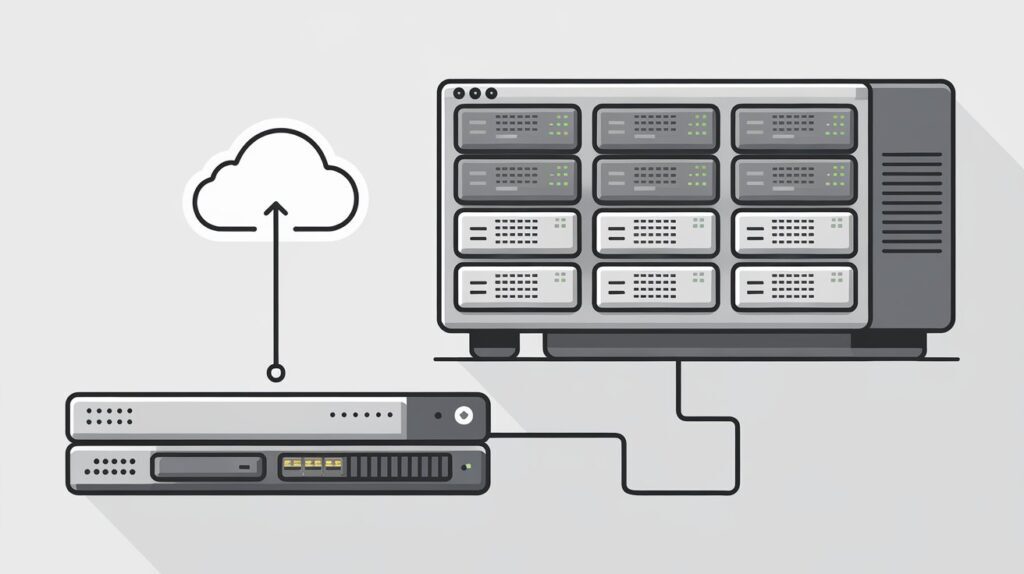
There are several types of remote server backup solutions designed to protect data and ensure quick recovery.



Choosing the Right Remote Server Backup Provider
1. Reliability, Security, and Support
When evaluating remote backup providers, reliability is key—choose one with high uptime to ensure data availability. Security measures like encryption and multi-factor authentication are crucial for data protection. Good customer support is essential, so check user reviews for insights on their responsiveness.
2. Features and Pricing Comparison
Different providers offer various features like incremental backups to save space and automated backups for convenience. Compare pricing models, whether pay-as-you-go or fixed, to find a cost-effective solution that meets your business needs.
3. Legal Compliance and Data Governance
Ensure your chosen provider complies with relevant data retention laws and industry regulations. This is especially important for businesses handling sensitive data. The provider should also offer solutions that protect your organization from potential legal issues.
4. Scalability and Long-Term Sustainability
As your business grows, your data needs will expand. Choose a provider that can scale with your business and offers redundant solutions to ensure data protection. Make sure their system integrates seamlessly with your existing infrastructure.
Best Practices for Remote Server Backup
Implementing Strong Security Measures
To keep your data safe while doing remote backups, you need strong security. First, use encryption. This means changing your data into a code so only people who should see it can. It’s important to protect data both when it is being sent and when it is stored. Also, make sure to regularly update your backup software. This helps fix problems that hackers can take advantage of.
Using firewalls and monitoring systems is smart too. We act like security guards, checking who tries to access your data. Plus, multi-factor authentication (MFA) is a must. MFA requires users to provide more than one way to prove who they are. This makes getting to your data much harder for anyone who shouldn’t.
Regular Monitoring and Logging
You gotta keep an eye on your backup systems. Check them regularly to make sure everything is working right. Having logs is super important because they help you track when backups are done and if there were any errors.
If something looks off, investigate it fast! Fixing issues early keeps your data safe. Staying on top of this helps you recover quickly if something does go wrong. It also ensures your data stays in good shape.
Educating Employees on Data Protection Policies
Teaching your team about data protection is important. Hold training sessions regularly to explain why remote backups matter and best practices on how to handle data. Share your company’s data protection rules so everyone knows what they need to do to keep things secure.
Creating simple guides on how to use remote backups will also help staff feel confident. When they know the rules and how to follow them, your whole team can help protect valuable information better.
Staying Updated with Industry Trends
It’s key to know what’s new in remote server backups. Follow tech and cybersecurity news to learn about the latest tools and techniques. Sign up for newsletters, and try to attend webinars or events focused on backup solutions.
When you’re aware of new trends, your business can adapt faster. You might discover options like incremental backups or Backup as a Service (BaaS), which can be very useful as your company grows.
Conducting Regular Backup Testing
Testing your backup system is super important! You need to make sure you can get your data back when you need it. Schedule tests by pretending to lose data. That way, you can check if your recovery plans work.
Benefits of Remote Server Backup
Remote server backup solutions offer numerous benefits, ensuring the safety and accessibility of your data. First, we provide data security by storing backups offsite, protecting against local hardware failures, theft, or natural disasters. We also offer accessibility, allowing you to recover files from anywhere with an internet connection.
Remote Server Backup Solutions for Reliable Data Protection
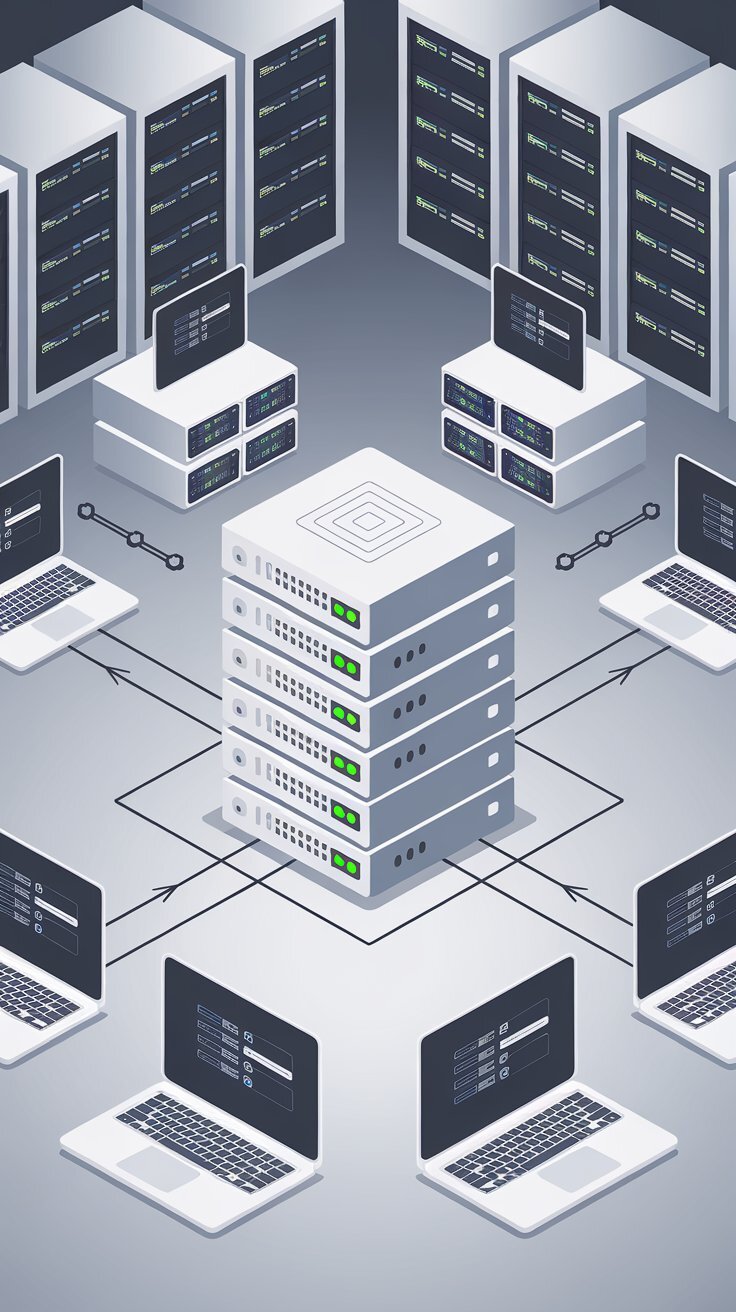
Remote server backup is a critical solution for businesses looking to safeguard their data against unexpected loss or disaster. With remote backups, your data is securely stored offsite, protecting from local hardware failures, cyber threats, and natural disasters. Whether your business needs daily incremental backups or full system backups, remote server backup solutions ensure that your data remains accessible and recoverable at all times.
How to Plan and Implement a Remote Server Backup Strategy
A good remote server backup strategy is really important for any business that wants to keep its data safe. With all the risks out there, having a clear plan can help when things go wrong. This means figuring out how often to back up data, how long to keep it, and what to do if something bad happens. Let’s break it down step by step.
Defining Backup Frequency and Retention Policies
To set up a strong backup system, you need to decide how often to back up your data. Some businesses might need daily backups, while others may be fine with weekly ones. For really important info, backups might even happen in real time!
Using both full and incremental backups is a smart move. Full backups grab everything at once, while incremental backups only save the changes since the last backup. This way, you save space and time.
Don’t forget about retention policies! This just means deciding how long to keep your backups. Following rules and regulations for your industry is super important here. Some businesses may need to keep records for years, so make sure you have that covered.
Establishing Recovery Procedures
Having a plan for recovery is key to getting back on track quickly. Write down clear steps for different problems, like if a computer breaks or someone hacks into your system. Everyone on your team should know what to do when trouble hits.
It’s also important to update these procedures regularly. Tech changes fast, and you want your recovery plans to keep up. Regular check-ups can help find weak spots in your backup strategy before they turn into bigger issues.
Automating Backup Processes for Efficiency
Automation makes backing up a whole lot easier. By getting reliable backup software, businesses can schedule and run backups automatically. This helps avoid mistakes that can happen if someone forgets to do it manually.
With automated systems, you can set up alerts to let the right people know if something goes wrong. This way, any problems can be fixed right away, which keeps your data safe.
Testing and Validating Backup Processes
Checking your backup processes regularly is super important. You don’t want to find out your backups don’t work when it’s too late! Run drills to practice restoring data so your team knows what to do.
During these tests, you can also see if the systems are working as they should. If something isn’t right, you can fix it before a real emergency hits.
By following these steps, businesses can set up a solid remote server backup strategy. This not only protects vital data but also helps keep everything running smoothly.